AI Image Models in 2026: Which One for Which Job

Keeping up with AI image models has become a part-time job nobody applied for. In the space of a few months we’ve had GPT Image 2, Ideogram 4, Recraft V4.1, Midjourney V8.1, new FLUX releases, and a parallel wave on the video side with Kling, Runway, and Seedance. Every one of them arrived with a leaderboard screenshot and a claim to the crown.
Here’s the thing that gets lost in the announcements: for the work most people actually do, the differences between these models are smaller than the differences between jobs. This guide sorts them by what they’re genuinely good at, which is more useful and ages considerably better than another ranking.
Why the releases keep coming
The cadence isn’t random. Image generation has become a competitive moat for platform companies, so releases are timed against each other and every version bump gets marketed as a generational leap. Tool suites announce integrations within days of a model shipping, which is genuinely useful for their users and also means the marketing volume around any given release is roughly double what the improvement warrants.
The result is a treadmill: by the time you’ve learned one model’s quirks, three others have shipped updates claiming to beat it. Most people respond by either chasing every release or ignoring all of them, and both are mistakes.
What AI image models are each genuinely good at
Grouping by capability rather than brand, because capabilities persist across version bumps while rankings don’t.
Text inside images
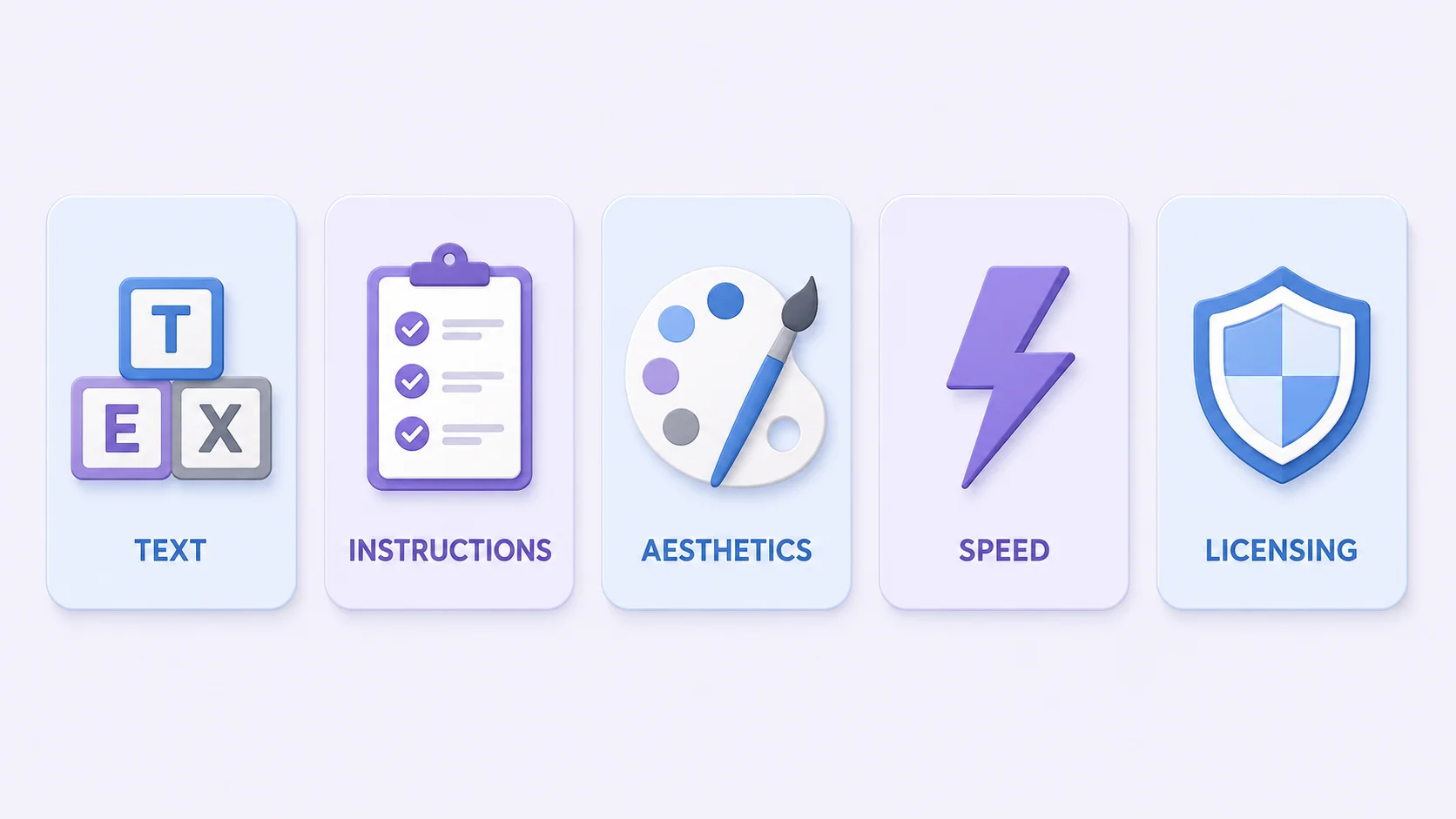
The longest-standing weakness in image generation, and now the clearest point of difference. Ideogram and Recraft lead here, with both landing around 90% accuracy on short copy in independent testing. If you’re making anything with words in it (posters, ads, mockups, thumbnails), this capability outranks every other consideration, because a beautiful image with mangled lettering is unusable.
Recraft adds a detail worth knowing if you work in design: native SVG vector export, which Ideogram doesn’t offer. A generated logo you can scale infinitely is a categorically different asset from a raster one, as our format guide explains.
Following complicated instructions
GPT Image 2 is the current standout for prompts with multiple conditions (“three objects, this one on the left, that one reflected in the window, warm evening light”). It’s also the model with reasoning built into generation, which is why it handles compound requests other models flatten. If your prompts read like a paragraph rather than a phrase, this is the family to reach for.
Aesthetics and mood
Midjourney remains the aesthetic leader, and it’s not particularly close. Output looks cinematic and considered in a way that’s difficult to prompt out of other models. The trade-off is control: it has strong opinions about how things should look, which is exactly what you want for exploration and exactly what frustrates you when you need something specific.
Speed and volume
FLUX’s smaller variants target throughput rather than peak quality. When you need forty variations to pick from rather than one perfect frame, generation speed matters more than the last few percent of fidelity, and this is the trade the fast models are built around.
Commercial and legal comfort
Adobe Firefly’s pitch isn’t peak quality, it’s provenance: training data intended for commercially safe use, and integration into Adobe’s workflow. For agencies and brands where legal review is part of the process, that certainty is worth more than a better-looking output, which is a genuinely different buying criterion from everything above.
The job-to-model table
|
What you’re making |
Prioritise |
Why |
|
Poster or ad with headline text |
Ideogram, Recraft |
Highest text accuracy |
|
Logo or icon needing vector export |
Recraft |
Native SVG output |
|
Complex multi-element scene |
GPT Image 2 |
Best instruction following |
|
Mood board, concept art |
Midjourney |
Strongest aesthetic default |
|
Forty options to choose from |
Fast FLUX variants |
Throughput over polish |
|
Brand work needing legal clearance |
Firefly |
Commercial-use assurance |
|
Editing a real photo |
None of them |
That’s an editor’s job |
That last row matters more than the rest combined for most readers. Generation and editing are different problems, and reaching for a generator when you need to crop a real photo to an exact size is how afternoons disappear.
When switching models is actually worth it
Switching has real costs that announcements never mention: your prompt library stops working, your quality expectations reset, and any consistency you’d built across a project breaks. Three situations justify paying that:
- Your current model can’t do the job at all. Text is the classic case: no amount of prompt engineering fixes a model that can’t spell.
- You’ve changed jobs. Moving from concept exploration to production assets is a genuine reason to move from an aesthetic model to a controllable one.
- Cost or speed has become the bottleneck. When you’re generating at volume, throughput differences compound into real time.
What doesn’t justify switching: a leaderboard position, a launch thread, or the vague feeling that something newer exists. If your current tool produces what you need, a competitor’s benchmark win changes nothing about your work.
Test them yourself in twenty minutes
Every comparison you read, including this one, is someone else’s judgement applied to someone else’s work. A short personal test beats it, and it doesn’t take long.
Write three prompts that represent what you actually make. Not clever prompts designed to stress the model, but the boring, typical requests that fill your week: the product on a plain background, the blog header about an abstract topic, the social graphic with a five-word headline. Run all three through two or three candidate models on their free tiers, at the same settings, and put the outputs side by side at the size you’d actually publish them.
Two rules make the test honest. Judge at final size rather than zoomed in, because flaws that dominate at 200% often vanish at publishing scale and the reverse happens too. And count the re-rolls: a model that nails it on the third attempt beats one that needs eleven, even if the eleventh is marginally prettier. Time spent is the cost that leaderboards never measure, and for most people it’s the deciding factor.
Keep the results. When the next release cycle arrives with its inevitable claims, you’ll have your own baseline to compare against rather than someone’s benchmark chart.
What stays true regardless of model
Every model on this list shares the same limits, and they’re the ones that determine whether your image is usable:
- None of them hit exact specifications. You can request an aspect ratio; you cannot request 2000 × 2000 pixels at under 1 MB in sRGB. Marketplace and platform requirements remain an editor’s job, as our listing specs guide covers.
- All of them still produce artifacts. Subtler than two years ago, but plastic skin, impossible lighting, and garbled incidental text persist across every model. The inspection routine is the same whichever you use.
- Provenance travels with the file. Most major models now embed content credentials recording how an image was made, regardless of which one you picked. Worth knowing before you publish generated work as though it were photographed.
- Consistency across a set is hard everywhere. Matching lighting and style across twenty images remains the unsolved problem of production work.
- The finishing pass is always manual. Crop, colour match, resize, compress, export. That’s true of the best model available today and will be true of whatever ships next month.
Finish what the model started
Crop, adjust, resize and export to exact specs. Free, in your browser, no re-rolls.
Open the ArtsFlick Photo EditorOne closing thought worth holding onto as the releases keep landing. The gap between models is narrowing while the gap between a generated image and a finished one stays exactly where it was. Whichever model wins this quarter, the work that makes an image publishable is the same work it has always been, and it happens after generation, not during it.