ArtsFlick Photo Editing Features
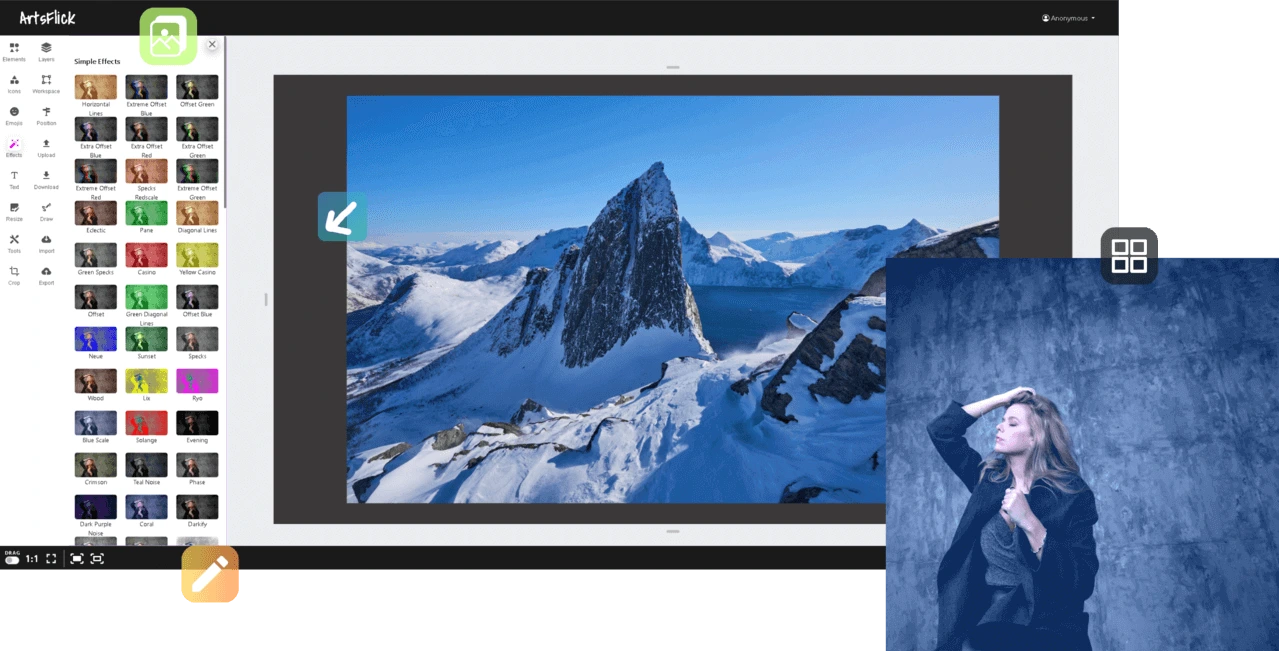
Photo editing that works the moment you open it. There is no software to download and no account to create: upload a photo and start editing in your browser. Crop and resize, apply filters, adjust lighting and colour, add text, shapes or icons, and keep every element on its own layer until you are ready to export. Whether you are fixing a selfie or preparing a product shot, every tool below is free, and nothing you export carries a watermark.
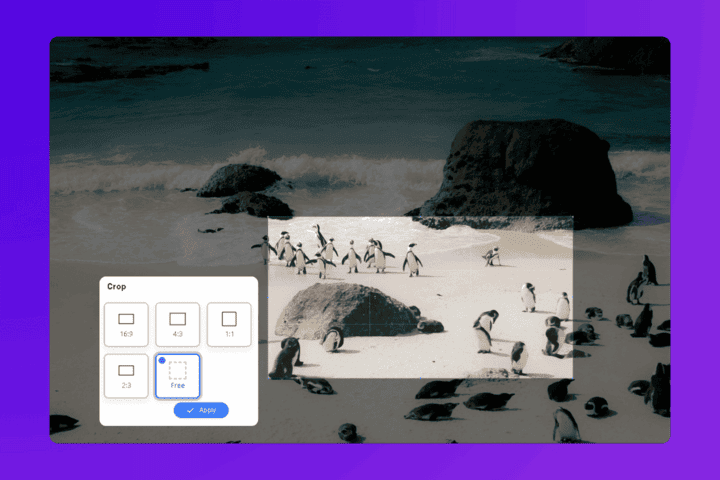
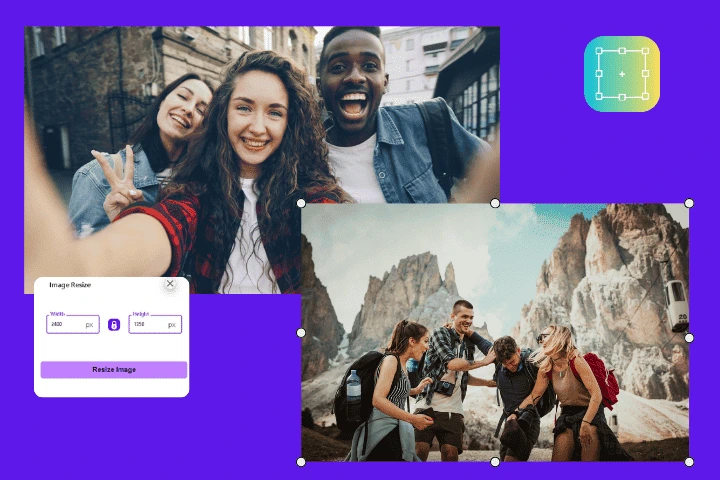
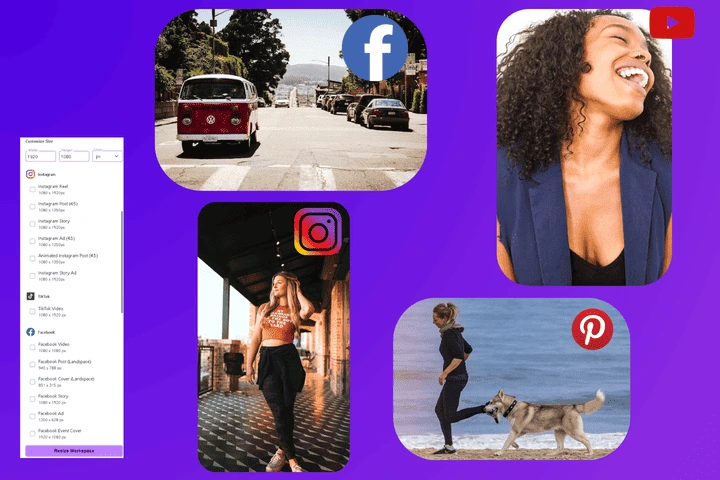
Size and shape
Get an image to the exact dimensions a platform, print shop or web page needs, without distortion or quality loss.
Colour and style
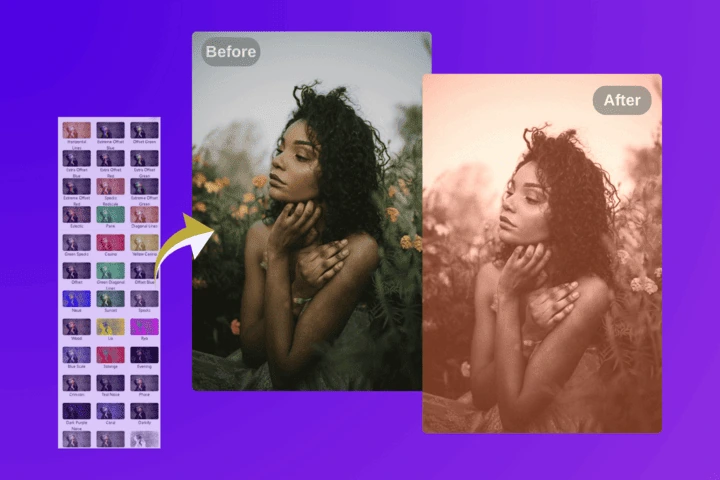
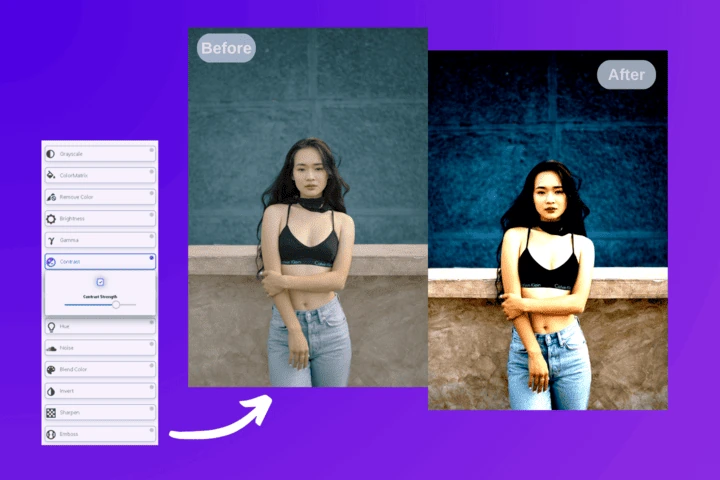
Change the mood of a photo in one click, or build a signature look by combining treatments.
Add to your image
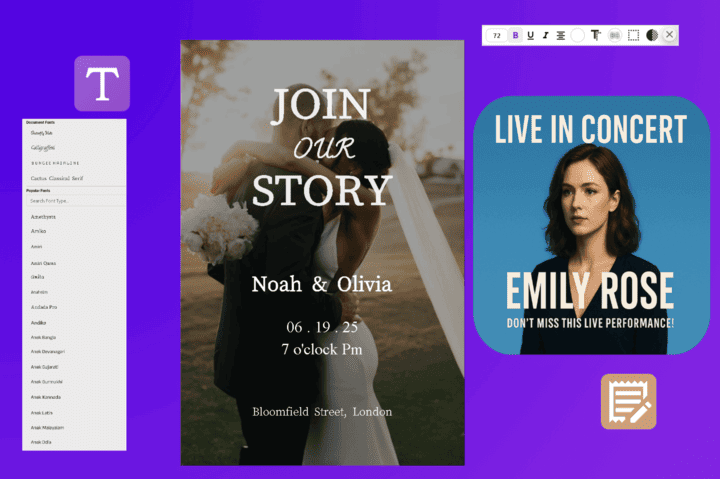
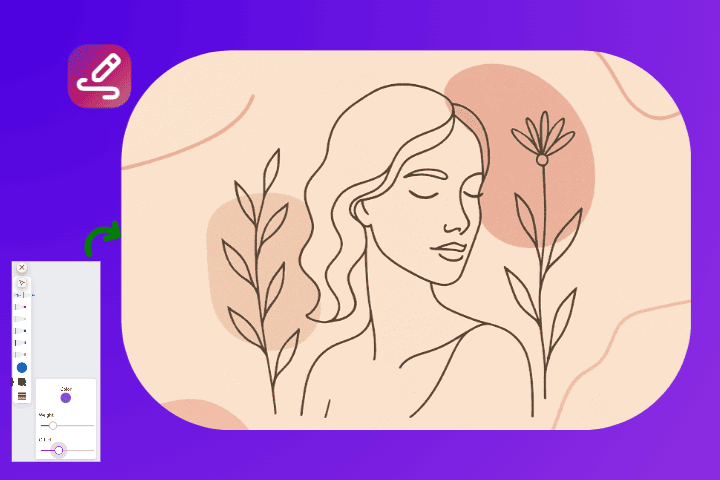
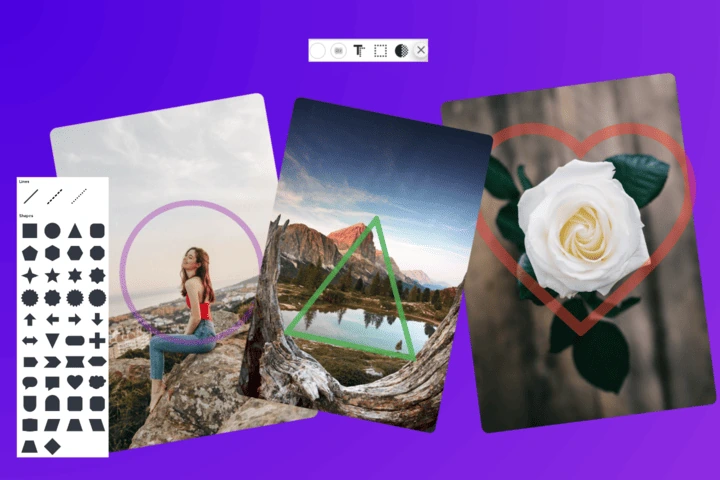
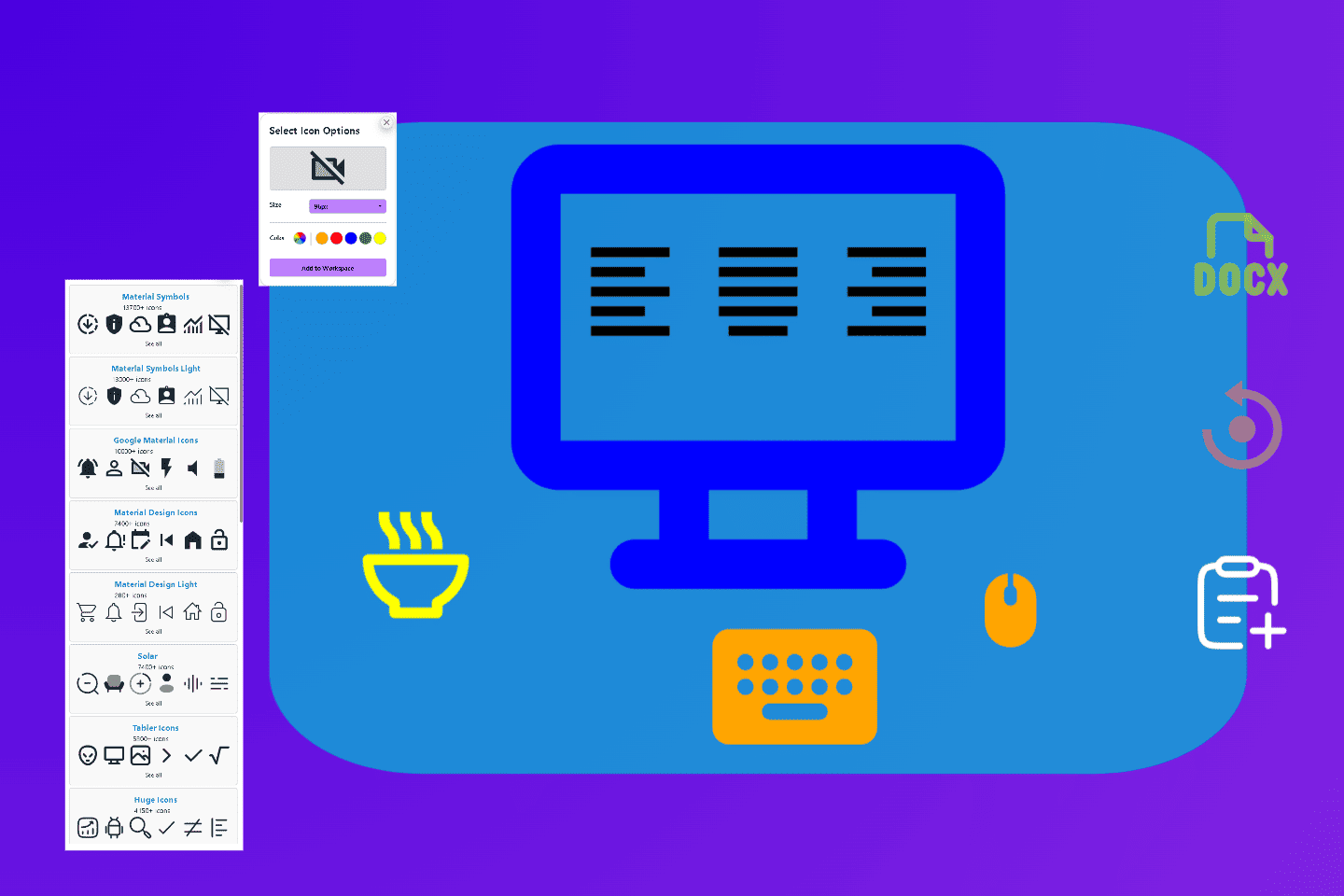
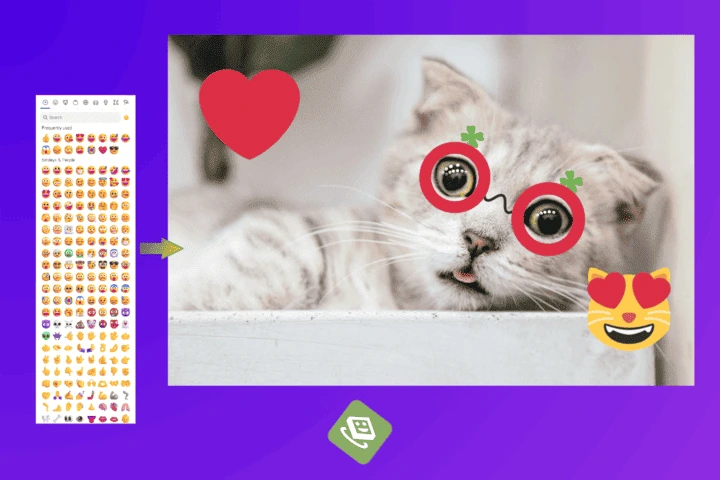
Everything you place on top of a photo: words, marks, symbols and shapes, all editable until you export.
How it works
Upload
Drop a photo onto the canvas, or pick one from your device. Nothing is sent to a server.
Edit
Combine any of the twelve tools above. Every element stays editable as a separate layer.
Export
Download in your chosen format and quality, at full resolution, with no watermark.
Why these photo editing features run in your browser
Three things make a browser editor genuinely different from an installed one, and they are the reasons people switch.
- Your photos never leave your device. Editing happens locally, so nothing is uploaded, stored or processed on a server. For personal photos, client work, documents or unreleased products, that is a real privacy difference rather than a marketing line.
- Nothing to install or update. The editor works on any machine with a browser, including a phone, with no app permissions and no storage taken.
- No watermark and no credit system. Exports are clean and full resolution. Most free tiers in 2026 stamp their output or meter it; this one does not.
Looking for a single quick job? The standalone tools handle one task fast without opening the full canvas: compress, resize, crop, convert to JPG, and convert from JPG.
Learn the technique behind the tools
Knowing which setting to use matters more than which button to press. These guides cover the reasoning:
- How to resize an image without losing quality, including the real limits on enlargement.
- How to make photos look like film, the four adjustments and the order they belong in.
- Compressing images for web, with target file sizes by image role.
- PNG vs JPG vs WebP, so you export in the right format for the destination.