AI Image Generators vs Photo Editors: When to Use Which
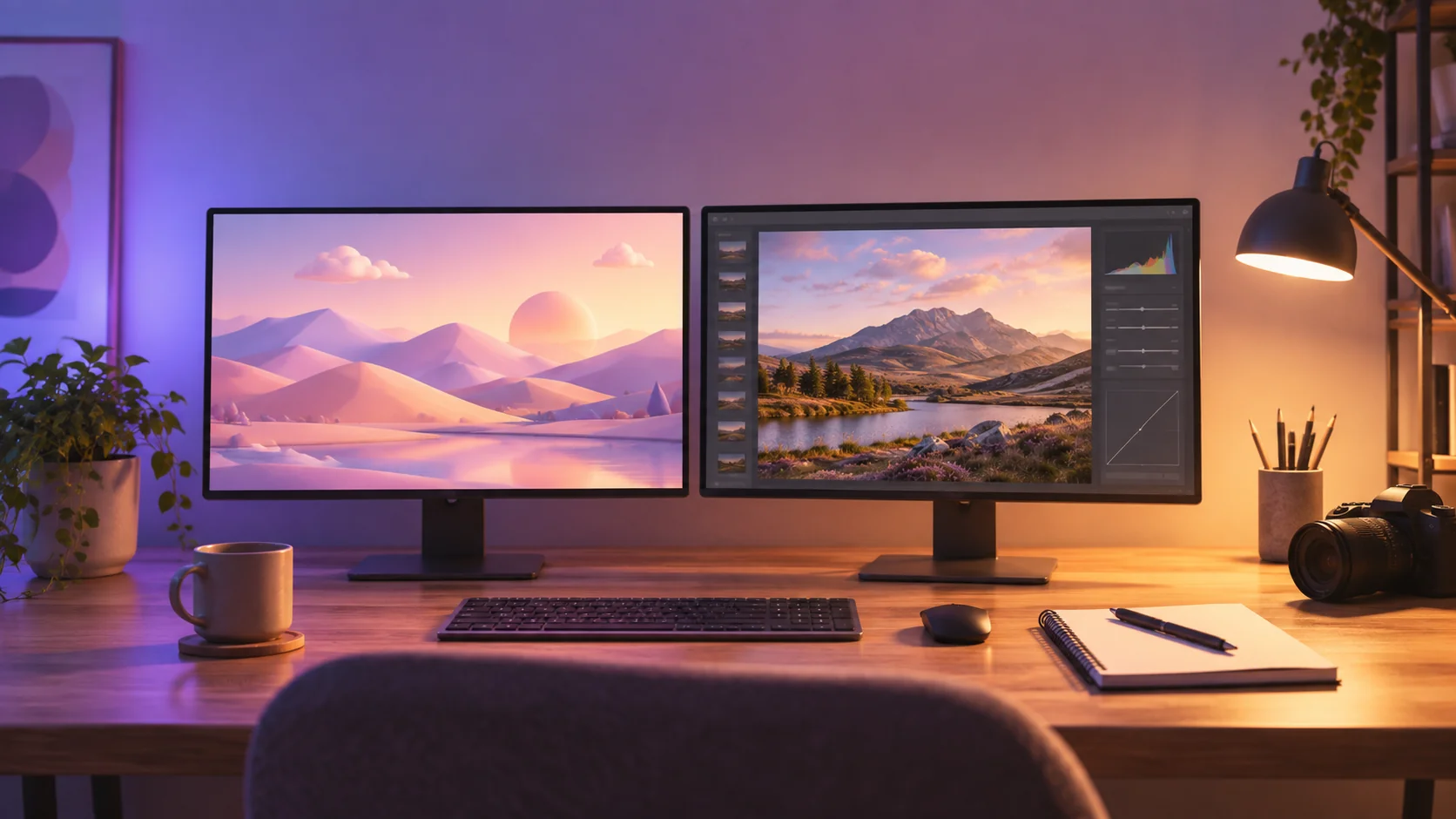
The AI image generators vs photo editors question gets framed as a fight, usually by people selling one of them. It isn’t one. They do different jobs, and the interesting part of 2026 isn’t which wins; it’s that the line between them moved, and most advice hasn’t caught up.
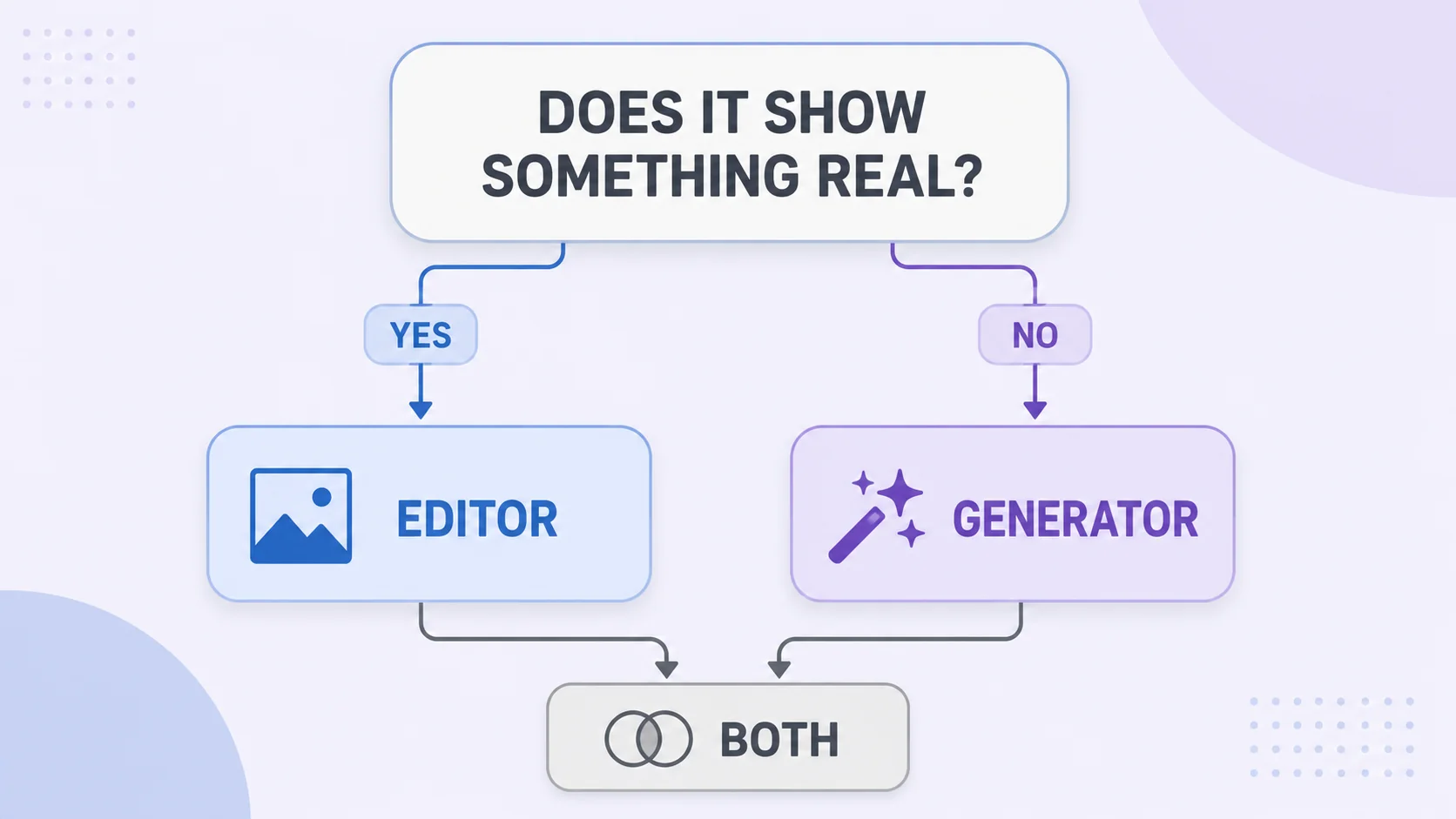
Here’s the useful version: generators invent images that never existed, editors change images that do. That distinction decides everything downstream, including which one you should open right now. This guide covers what each genuinely does better, the jobs where picking wrong wastes an afternoon, and the hybrid workflow that’s quietly become standard.
The actual difference (and why it matters)
An AI generator starts from nothing. You describe a scene, it produces pixels that have never existed, and every element is invented: the lighting, the model’s face, the shape of the product, the words on the sign.
A photo editor starts from something real. Your photo exists, and the tool changes it: crop, color, resize, remove an object, replace a background. The subject stays whatever it actually was.
The muddy middle is AI editing, which is a photo editor with generative features (background removal, object erasing, generative fill). It’s still editing, because the source is your real image; AI just handles a step that used to take manual selection work. Keep that hierarchy in mind and the choice stops being confusing: does the final image need to be of something real?
What AI generators genuinely win at
- Concepts that don’t exist yet. Mockups before the product is manufactured, illustrations for abstract topics, mood boards, storyboard frames. Photography can’t shoot what isn’t there.
- Volume and speed at the top of the funnel. Ten blog header variations in the time it takes to arrange one shoot. When an image is decorative, generation is unbeatable on cost.
- Backgrounds and environments. A studio product shot placed into a generated marble kitchen costs nothing and travels nowhere. This is the most practical everyday use.
- Style exploration. Seeing your idea as watercolor, isometric 3D, and film photography in five minutes, before committing budget to any of them.
What photo editors still win at
- Anything that must be true. Product listings, real estate, news, testimonials, portfolios. Marketplace rules and basic honesty both require the photo to depict the actual item.
- Exact specifications. “2000 × 2000 px, RGB 255 white background, under 1 MB” is a solved problem in an editor and a gamble in a generator, which is why marketplace image requirements are editor territory.
- Precise, repeatable control. Move that element three pixels left. Match this exact brand color. Do the same thing to 200 images. Generators are probabilistic; editors are deterministic.
- Brand consistency. Your logo, your palette, your typeface, identical every time. A generator reinterprets; an editor reproduces.
- Speed on small fixes. Cropping, straightening, or brightening takes seconds in an editor. Prompting for the same change and hoping is slower and less certain.
AI image generators vs photo editors: the decision table
|
The job |
Reach for |
Why |
|
Product listing photo |
Editor |
Must depict the real item; strict specs |
|
Blog header illustration |
Generator |
Decorative; concept over accuracy |
|
Social post from your own photo |
Editor |
Crop, color, exact platform size |
|
Mockup of an unbuilt product |
Generator |
Nothing exists to photograph |
|
Team headshots |
Editor |
Real people; consistency across the set |
|
Lifestyle scene for a real product |
Both |
Generate the scene, composite the real product |
|
Removing a background |
Editor (AI-assisted) |
Your image, automated selection |
|
Ad concepts for a pitch |
Generator |
Speed and variety beat fidelity |
The hybrid workflow that’s becoming standard
The teams producing the best output in 2026 stopped choosing. The pattern is generate, then edit:
- Generate the environment or concept. A kitchen counter, a desert road, an abstract background in your brand colors.
- Bring in the real element. Composite your actual product photo, your real headshot, your genuine screenshot onto that background.
- Finish in the editor. Match the lighting direction, adjust color temperature so both halves agree, crop to the exact output size, and clean up the seams. This is also where you fix the artifacts that generation left behind.
- Export to spec. Right dimensions, right format, compressed properly for wherever it’s going.
You get generation’s creative freedom and editing’s authenticity in one file, and it’s why “which tool wins” is the wrong question. The generator handles what doesn’t exist; the editor handles what must.
Finish your AI images in the browser
Crop, color-match, composite, and export to exact specs. Free, no install.
Try the ArtsFlick Photo EditorWhat each actually costs you
Money is the obvious axis and the least interesting one. Both categories have capable free tiers, and both charge for volume, so the real currencies are time and predictability.
Generators cost attempts. The first result is rarely the final one; you iterate on prompts, regenerate, and discard. That’s fine when you’re exploring, expensive when you know exactly what you need and the model keeps almost getting there. Credits burn fastest on precision work, which is the job they’re worst at.
Editors cost skill, once. Learning where the crop tool and curves live takes an afternoon; after that, every repeat of the same task is fast and identical. The cost curve is inverted: high at the start, near zero forever after, and completely predictable.
So the honest budgeting rule is about repetition. A one-off decorative image favors generation. Anything you’ll do fifty times (resizing a catalog, applying the same crop to every headshot, exporting to three marketplace specs) favors an editor, because deterministic tools don’t charge you for the fifty-first attempt at getting it right.
Where honesty stops being optional
One area deserves more than workflow advice. Generated or heavily altered imagery is fine for decoration and concepts; it is not fine when a viewer would reasonably assume they’re seeing reality.
Marketplaces require product images to depict the actual item, and listings get suppressed when they don’t. Advertising standards in many countries prohibit misleading depictions, and “the AI made it look nicer” is not a defence. Platforms increasingly label AI content, and provenance metadata makes the origin of an image easier to trace than most people realize: many generators now embed C2PA content credentials directly in the file, an invisible signed record of how the image was made.
The practical line: decorative and conceptual, generate freely. Depicting a real product, person, place, or event, use the real photograph and edit it honestly. Reputational damage from a “too good to be true” listing photo costs far more than the shoot you skipped.